SnagScout
Menu
85/ 100

Smooth

Signup Friction Score

ramp.com

November 9, 2026 · First-time visitor, Skeptical developer · Full audit

Snags
6
Clicks to form
1
Form fields
2
Homepage load
0.5 s

Ramp signup flow teardown. Tested on November 9, 2026 from https://ramp.com/

6 snags in the Ramp signup

  1. #1MajorJargonSkeptical developer · step 3

    Vague AI hype replaces concrete product details

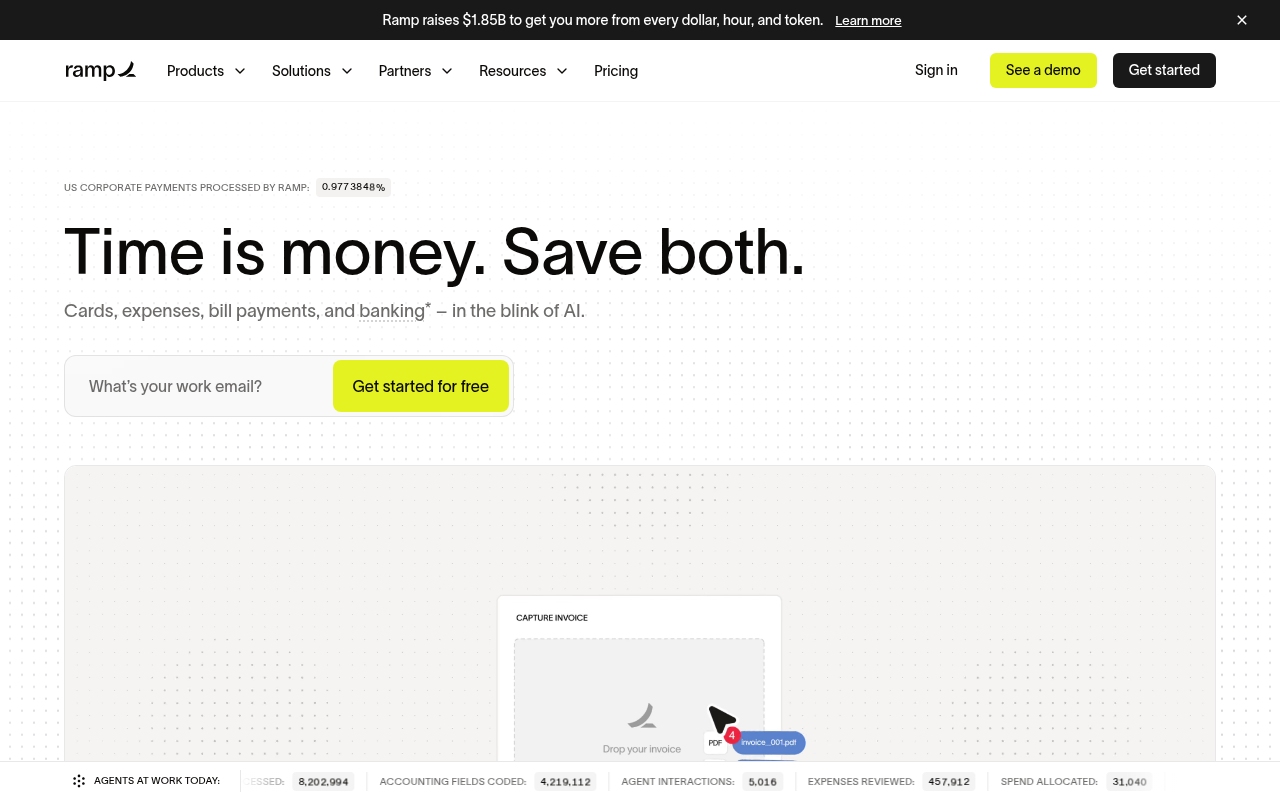
    Taglines like 'in the blink of AI' and the 'AGENTS AT WORK TODAY' live ticker push trendy buzzwords instead of showing technical specs, integrations, or data export capabilities.

    Fix: Replace 'in the blink of AI' with concrete operational benefits such as 'Automated receipt matching, ERP syncing, and policy controls'.

  2. #2MinorOtherFirst-time visitor · step 2

    Confusing percentage ticker

    The tiny label 'US CORPORATE PAYMENTS PROCESSED BY RAMP: 0.9773848%' above the main header is difficult to parse at a glance and distracts from the core headline.

    Fix: Replace the fractional percentage ticker with clear social proof, such as 'Trusted by 85,000+ growing companies'.

  3. #3MinorMissing pricingFirst-time visitor · step 2

    Pricing terms are ambiguous

    The CTA says 'Get started for free', but it is unclear what features are free versus gated behind paid plans without leaving the homepage.

    Fix: Add a short microcopy note under the CTA button clarifying 'Free core platform with no card fees'.

  4. #4MinorOtherSkeptical developer · step 3

    No developer docs link in header

    The main navigation links to Products, Solutions, Partners, Resources, and Pricing, but lacks any visible developer portal or API documentation link.

    Fix: Add a direct 'API' or 'Developers' link in the top navigation or Resources dropdown.

  5. #5MinorOtherSkeptical developer · step 5

    Unclear application scope and lack of instant sandbox

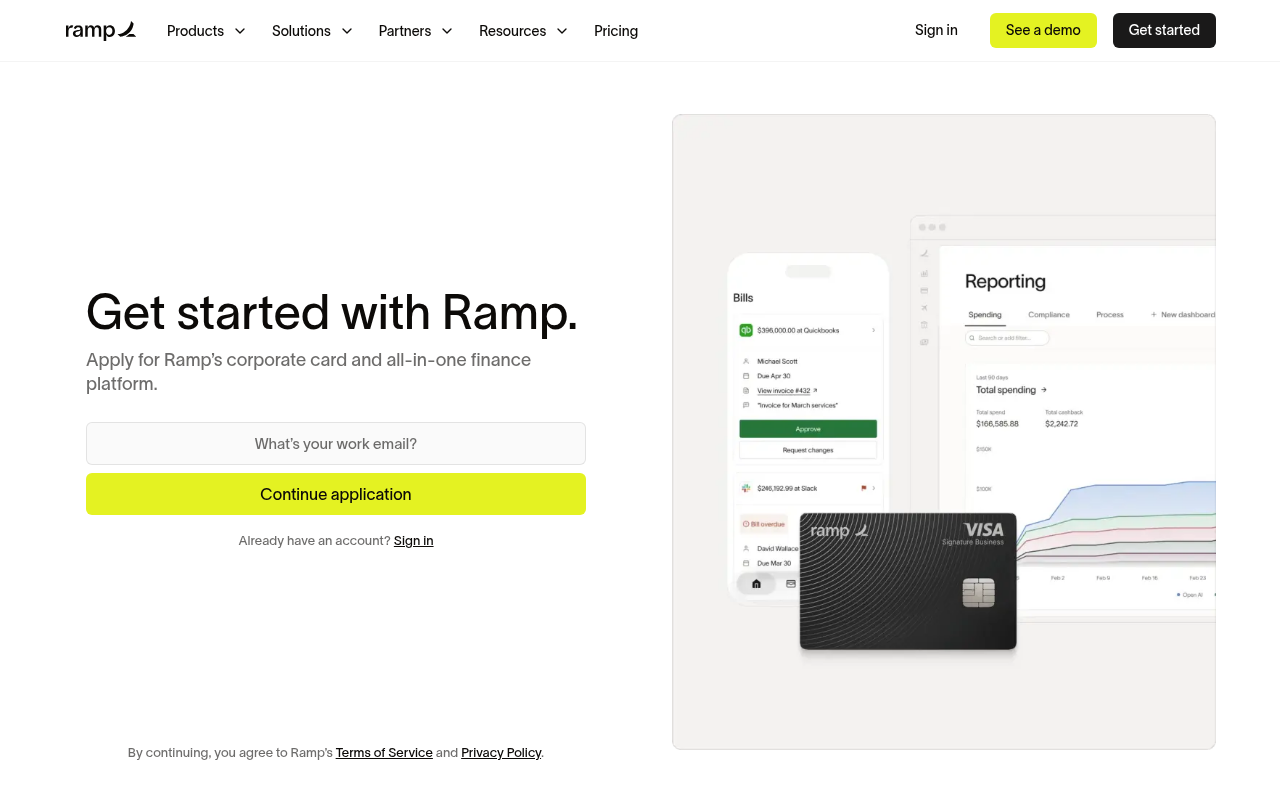
    The button label 'Continue application' signals a potentially lengthy underwriting process rather than immediate access to test the software or API.

    Fix: Add a brief note below the input outlining the steps involved and whether immediate sandbox or read-only access is provided.

  6. #6MinorOtherFirst-time visitor · step 5

    No one-click workspace SSO

    Founders setting up business tools frequently prefer one-click Google or Microsoft Workspace signup over manual email entry.

    Fix: Provide standard 'Continue with Google' and 'Continue with Microsoft' options alongside work email.

Would your signup beat Ramp’s 85?

Audit your own signup, free

The 5-second test

Each persona looked at your homepage (desktop and phone) for a moment and answered four questions. Answers are graded against your page’s own copy: clear if it says so above the fold, vague if they had to guess, missing if it is not there.

First-time visitor

clarity 7.5/10

“Looks like an ultra-slick modern finance stack for startups and businesses, though the AI agent counters feel a bit like marketing hype.”

What does it do? clear
An all-in-one corporate finance platform covering cards, expense management, bill pay, and banking automated with AI.
Who is it for? vague
Businesses and finance teams looking to manage corporate spend.
What does it cost? vague
Free to get started, but specific tier pricing is not shown above the fold.
What’s the next step? clear
Get started for free

Skeptical developer

clarity 7.5/10

“It covers standard fintech spend features, but the heavy AI agent marketing and funding flex overshadow actual product mechanics and developer documentation.”

What does it do? clear
Corporate spend platform covering physical/virtual cards, expense management, bill pay, and corporate banking.
Who is it for? vague
Companies and finance teams handling corporate expenses and accounts payable.
What does it cost? vague
Free tier mentioned on button ('Get started for free'), but exact pricing breakdown requires clicking 'Pricing'.
What’s the next step? clear
Click 'Pricing' in the top navigation to see actual plan costs and fee structures.

Can an AI agent sign up for Ramp?

A

Agent Signup Readiness

Can an AI agent (ChatGPT agent, Operator and the like) reach your account screen without a human?

  • No bot wall · Pages loaded for an automated browser (pass)
  • Signup form reachable · Found in 1 click(s) (pass)
  • No captcha · No captcha detected on the form (pass)
  • Email signup available · An email or password path exists (pass)
  • No card up front · No card required to start (pass)
  • Not inbox-dependent · Password or link-based signup (pass)
  • Form in page HTML · Form fields are present in the HTML (pass)

Where the points went

How the score is computed
StartEvery run starts at 100100
First-impression clarity7.5/10 average on the 5-second test-6
Path to signup1 click from the homepage to the form0
Form length2 fields before the first gate0
Snags3 distinct snag types-9
Homepage load0.5 s to load the homepage HTML0

The Ramp signup, step by step

  1. Arrive · All personas · 0.5 s

    Opened ramp.com

    The homepage HTML arrived in 0.5 s (HTTP 200).

    https://ramp.com/

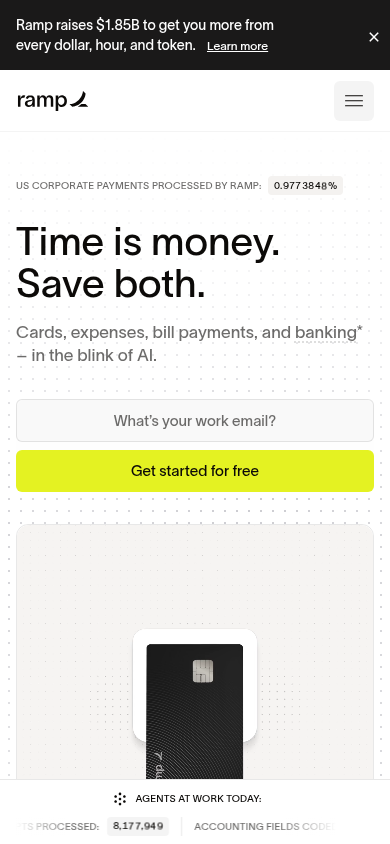
    Desktop screenshot at step 1Phone screenshot at step 1
  2. 5-second test · First-time visitor

    5-second test: 7.5/10 clarity

    Looks like an ultra-slick modern finance stack for startups and businesses, though the AI agent counters feel a bit like marketing hype.

    https://ramp.com/

  3. 5-second test · Skeptical developer

    5-second test: 7.5/10 clarity

    It covers standard fintech spend features, but the heavy AI agent marketing and funding flex overshadow actual product mechanics and developer documentation.

    https://ramp.com/

  4. Navigate · First-time visitor · 0.4 s

    Clicked “Get started”

    I see a clear 'Get started' option and want to create an account.

    https://ramp.com/signup

    Desktop screenshot at step 4
  5. Signup form · First-time visitor · 0.6 s

    Reached the signup form: 2 fields

    First-time visitor: Super minimal and zero clutter to start, though seeing 'Continue application' makes me brace for a pile of business forms. Skeptical developer: I appreciate the clean UI with no bloatware, but calling it an 'application' tells me I am in for underwriting rather than an instant developer sandbox.

    https://ramp.com/signup

    What the persona would type (test identity, never submitted)

    email (email)avery.testwell@example.com
    email (email)avery.testwell@example.com
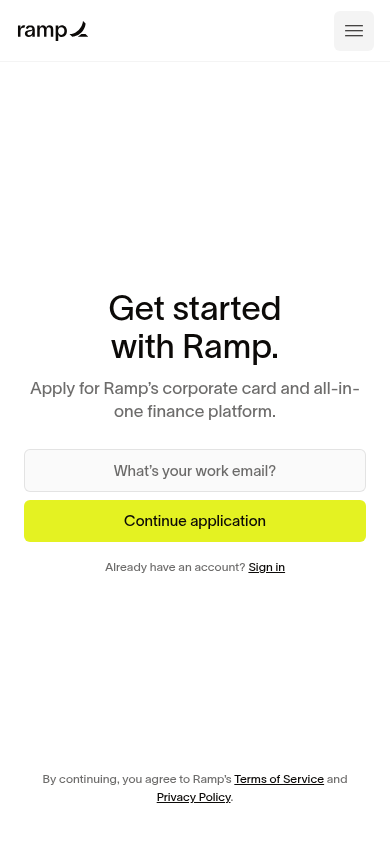
    Desktop screenshot at step 5Phone screenshot at step 5
  6. Stop · First-time visitor

    Stopped before submitting

    SnagScout never types into your live form or presses submit, so no test accounts or leads end up in anyone’s system. The table above shows what the persona would have typed.

    https://ramp.com/signup

FAQ

How many steps does it take to sign up for Ramp?

Our AI visitor reached the Ramp signup form in 1 click from the homepage. The form showed 2 fields before the first gate.

Does Ramp require a credit card to sign up?

No card was requested on the signup form in our run.

Can you sign up for Ramp with email, or only with Google/SSO?

An email path was available.

Can an AI agent sign up for Ramp?

Ramp gets an Agent Signup Readiness grade of A. No blockers were found for an autonomous agent.

Are you from Ramp? We only test public pages and never submit forms. You can ask us to remove this teardown.